
Software Development
Mobile App Development with Flutter
One codebase, Android and iOS. Ten weeks to a published app.
Overview
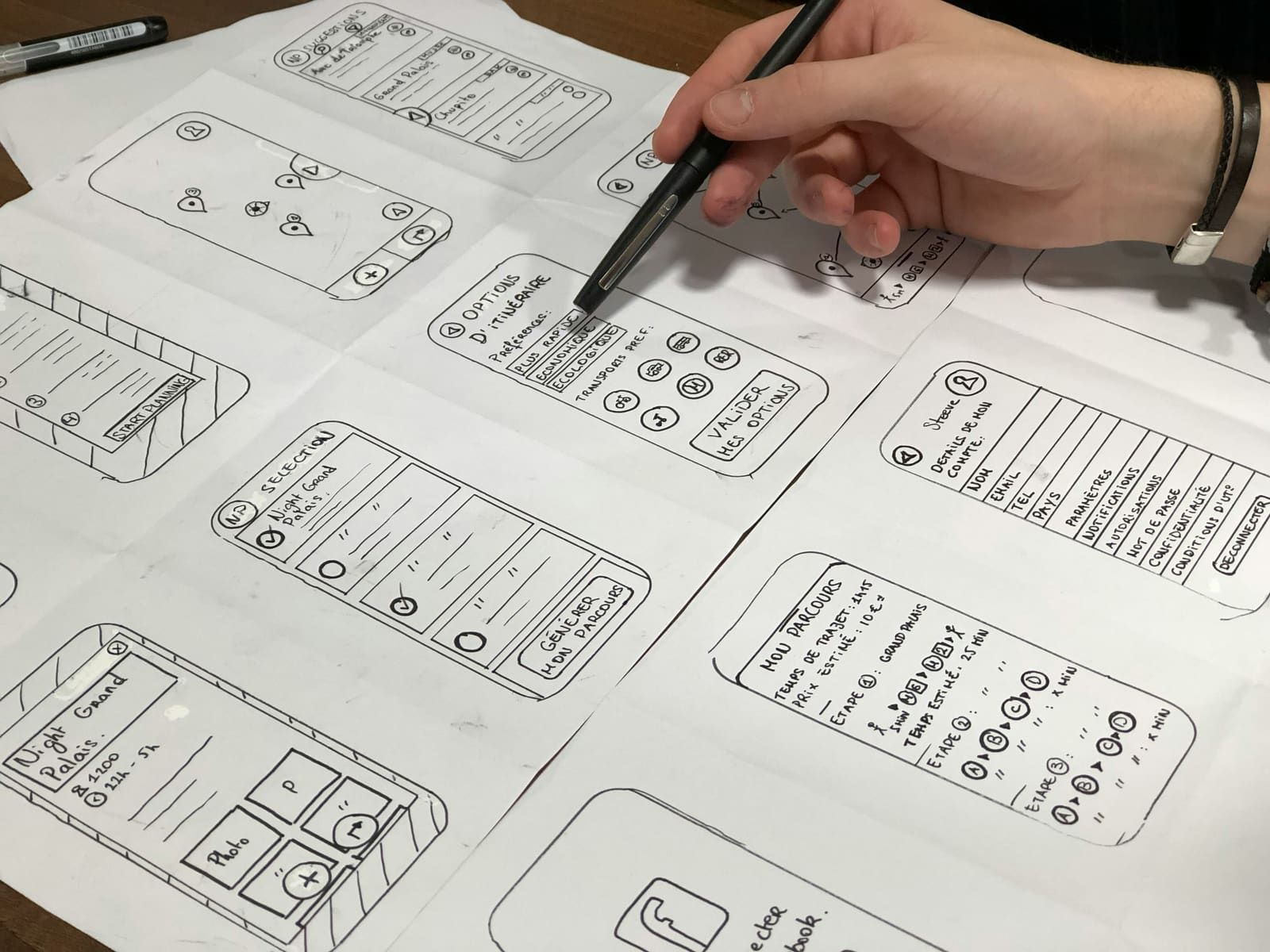
Flutter lets a small team ship to both app stores without writing the app twice. This course is built around that promise and its limits: what you get for free, where you still need platform-specific work, and how to structure a project so it does not collapse at the point you add a second screen.
Fees for this cohort are being finalised. Register your interest and the team will confirm pricing and payment options with you directly.
Learning outcomes
Build multi-screen Flutter applications with navigation and persistent state
Use Dart confidently, including its async model
Connect an app to a REST API and handle offline and error states
Store data locally on the device
Design interfaces that work on phones and tablets
Prepare a build for the Play Store and App Store
Curriculum
01Week 1-2: Dart and the widget tree
- The Dart language
- Stateless and stateful widgets
- Layout and the widget tree
02Week 3-4: Building screens
- Navigation and routing
- Forms and input validation
- Lists and scrolling performance
03Week 5-6: State
- Lifting state and when to stop
- Provider and one alternative
- Project structure that survives growth
04Week 7: Talking to a server
- HTTP and JSON in Dart
- Loading, empty and error states
- Caching and offline behaviour
05Week 8: Local storage and device features
- Local databases and preferences
- Camera, location and permissions
06Week 9-10: Release
- Icons, splash screens and naming
- Building signed releases
- Store listings and submission
Prerequisites
- Programming experience in any language
- Familiarity with objects and classes
- An Android or iOS device for testing